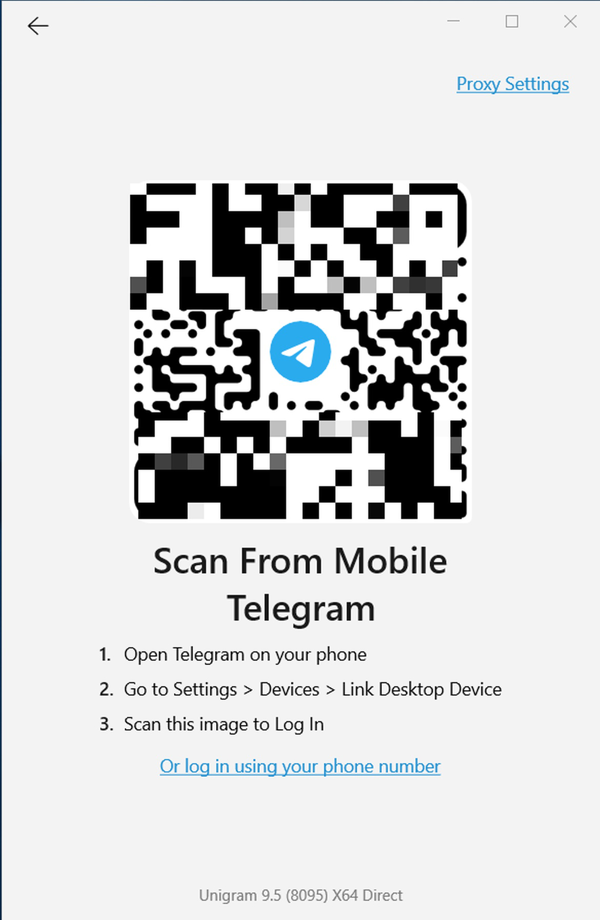
Proxy Settings
Scan From Mobile Telegram
Open Telegram on your phone
Go to Settings > Devices > Link Desktop Device
Scan this image to Log In
Log in with phone number
Screenshot #12857
Log In
Phrases
6
Proxy Settings
ProxySettings
Scan From Mobile Telegram
LoginWithQrCodeTitle
Open Telegram on your phone
LoginWithQrCodeStep1
Go to Settings > Devices > Link Desktop Device
LoginWithQrCodeStep2
Scan this image to Log In
LoginWithQrCodeStep3
Log in with phone number
LoginWithQrCodeSkip
Search in:
All
All
Key
Text
English
English
Afrikaans
Albanian
Amharic
Arabic
Armenian
Azerbaijani
Basque
Belarusian
Bengali
Bulgarian
Burmese
Catalan
Chinese (Simplified)
Chinese (Traditional)
Croatian
Czech
Danish
Dutch
Esperanto
Estonian
Filipino
Finnish
French
Galician
Georgian
German
Greek
Gujarati
Hebrew
Hindi
Hungarian
Indonesian
Irish
Italian
Japanese
Kannada
Kazakh
Khmer
Korean
Latvian
Lithuanian
Malay
Malayalam
Maltese
Marathi
Nepali
Norwegian (Bokmål)
Odia
Persian
Polish
Portuguese (Brazil)
Portuguese (Portugal)
Romanian
Russian
Serbian
Slovak
Slovene
Spanish
Swahili
Swedish
Tajik
Tamil
Telugu
Thai
Turkish
Turkmen
Ukrainian
Urdu
Uzbek
Vietnamese
Unigram
All Apps
Android
iOS
TDesktop
macOS
Android X
WebK
WebA
Unigram
Login
Translations
English
Unigram
Log In
LoginWithQrCodeStep3
Languages
English
English
Other languages...
Apps
Unigram
Android
iOS
TDesktop
macOS
Android X
WebK
WebA
Unigram
Emoji
Sections
Log In
All Sections
Unused
Log In
Chat List
Private chats
Groups And Channels
Profile
Settings
Stories
Camera And Media
Bots And Payments
Passport
General
Unsorted
LoginWithQrCodeStep3
TDesktop
macOS
WebK
WebA
Unigram
Log In
Scan this image to Log In
25
Applied
Scan this image to Log In
25/25
Fair Leopard
,
Mar 21, 2023 at 10:24
Send
Cancel
Add Translation
Scan this image to Log In
Submit
Cancel